
Claude Code Preview, Review & Merge: The Complete Developer Guide to AI-Powered Delivery
Claude Code's landmark update closes the entire delivery loop — live app preview, local code review, CI auto-fix, and auto-merge. The complete breakdown for developers, QA teams, and solo founders.
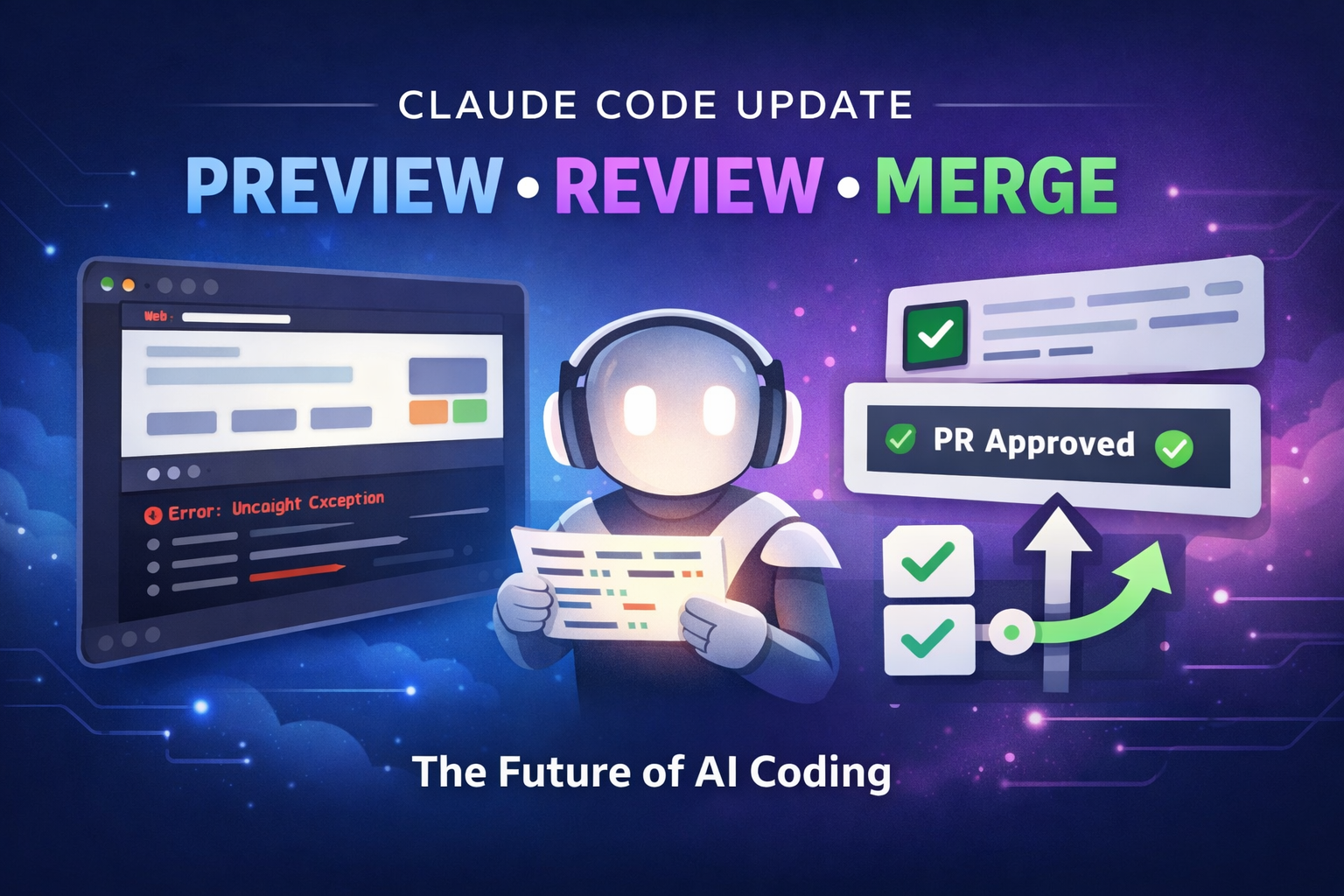
The future of software delivery shipped on February 20, 2026. Anthropic's landmark Claude Code update adds live app preview, automated code review, CI auto-fix, and PR auto-merge — all in one closed loop. This is not an incremental improvement. It is a paradigm shift in how developers ship software.
This guide breaks down every feature, the technical architecture, real developer feedback, and exactly how to integrate it into your workflow — from solo founders to enterprise engineering teams.
TL;DR — What You Need to Know in 60 Seconds
Who this is for: Developers, QA teams, and solo founders using Claude Code desktop with GitHub projects.
Core benefit: Eliminate the cognitive overhead of your entire delivery pipeline — from writing code to merging a pull request.
Key takeaways:
- Claude now renders your live app inside the desktop and iterates on visual bugs autonomously
- Local code review runs before you push — catching issues at the cheapest possible moment
- CI failures auto-fix in the background while you work on something else
- Approved PRs auto-merge when all checks pass — no manual GitHub visits required
- Git worktrees enable 3–4 parallel Claude sessions with zero state contamination
The Problem: The Hidden Tax on Developer Productivity
Picture your last debugging session.
You spotted a bug. You switched to the browser. You refreshed. You opened the console, copied the error. You switched back to your editor. You pasted the error into chat. You described the UI. You explained the expected behavior. You applied a fix. You switched back to the browser again. You refreshed. You checked if it worked.
That is 8 context switches before you have committed a single line.
Then comes the delivery phase. Commit, push, open a GitHub tab, create the PR, open a CI dashboard tab, wait for tests, read a failure log, fix it, push again, wait, get a review, respond to comments, merge manually.
Attention cost: 30–90 minutes per feature. Scattered across a dozen windows.
This is not a minor inconvenience. Research consistently shows every context switch costs 15–25 minutes of productive focus to recover from. For most developers, the delivery pipeline — not the code itself — is where productivity dies.
The Solution: A Closed AI Loop From Write to Merge
Claude Code's February 2026 update closes the loop entirely.
Instead of manually moving between tools, Claude now observes your running application, reviews your code before you push, monitors your pull requests, fixes CI failures autonomously in the background, and merges approved PRs automatically.
Four pillars. One seamless workflow. Zero unnecessary context switches.
The result is not just faster shipping — it is a qualitatively different way of working, where your mental energy stays on the code, not the infrastructure around it.
Feature Breakdown: The Four Pillars Explained
Pillar 1 — Live App Preview: Claude Sees Your Running App
The most visually striking addition is the integrated live preview panel inside Claude Code desktop. When you start your dev server, Claude does not just read your source files — it renders your application in an embedded browser and watches it run in real time.
What Claude can do inside the preview panel:
- Launch your dev server automatically (
npm run dev,python manage.py runserver, or any custom command) - Render your live webapp directly in the desktop — no browser tab required
- Take screenshots to visually verify its own changes
- Inspect the DOM to understand component structure and layout
- Click elements, fill forms, and simulate real user interactions
- Read console logs and stack traces correlated to exact source lines
- Let you select any visual element and describe feedback — Claude sees precisely what you mean
- Persist cookies and localStorage across server restarts
Real scenario: A React dashboard throws TypeError: Cannot read property 'map' of undefined on load. Previously: copy the stack trace, paste it, describe the component hierarchy. Now: Claude sees the error fire, identifies the async race condition in your useEffect, proposes a fix with a loading guard. You approve. Done — without a single alt-tab.
Pillar 2 — Automated Code Review: Catch Bugs Before They Leave Your Machine
Traditional code review happens too late — at the PR stage, after you have already pushed, after teammates have context-switched to read your diff. This update moves the quality gate to the earliest possible moment: your local machine, before any code leaves it.
Click "Review Code" in the diff view and Claude examines every changed line, leaving inline comments directly in the diff within 15–30 seconds — exactly as a human reviewer would on GitHub.
What the automated review catches:
- Null pointer exceptions and unhandled edge cases
- Security vulnerabilities — unvalidated inputs, injection risks, exposed secrets
- Patterns inconsistent with your codebase conventions
- Missing test coverage for changed logic
- Style concerns and potential regressions
The economics of early review: Bugs caught at the code-writing stage cost 10x less to fix than bugs found in production. This feature is the highest-leverage quality gate in your entire pipeline.
Pillar 3 — PR Monitoring, Auto-Fix and Auto-Merge: Ship While You Sleep
This is where Claude Code transforms from a coding assistant into an autonomous delivery agent.
For GitHub projects, Claude integrates with the GitHub CLI to track open pull requests directly from the desktop — no browser required. The system operates in three configurable tiers.
PR Status Monitoring
Claude tracks every open PR: pending CI checks, passed/failed tests, reviewer comments, merge conflicts. All visible in one pane, updated live. You never need a GitHub tab to check PR status.
Auto-Fix for CI Failures
When a CI check fails, Claude reads the full failure log, diagnoses the root cause, writes a targeted fix, pushes a commit to the PR branch, and waits for checks to re-run. This runs entirely in the background while you work on something else.
Auto-Fix handles the most common failures well: broken test assertions from renamed functions, missing imports after a refactor, type annotation mismatches, linting errors. For ambiguous failures where the root cause is unclear, Claude surfaces the issue and asks rather than guessing.
Auto-Merge
When all required checks pass and the required reviewers have approved, Claude squash-merges the PR automatically. This requires auto-merge to be enabled in your GitHub repository settings.
The end-to-end autonomous flow:
- Finish feature → open PR against
main - CI fails — test is broken from a renamed function
- Claude reads the log, finds the stale reference, pushes the fix
- CI re-runs and passes
- Reviewer approves
- Claude squash-merges
- You never visited GitHub.com
Pillar 4 — Cross-Platform Session Continuity: Your Work Goes With You
Sessions in Claude Code are now continuous across every surface — CLI, desktop, web, and mobile.
- In the CLI, run
/desktopto transfer your full session context — files open, errors investigated, changes staged, PR status — into the desktop with live preview active - In the desktop app, click "Continue with Claude Code on the web" to move your session to the cloud without losing context
- On your phone, open the Claude mobile app and resume the same session
Before vs. After: The Workflow Comparison
Old Workflow — 9 to 11 Context Switches
- Write code in editor
- Switch to browser → refresh → read console → copy error
- Switch back to editor → paste into chat → describe the UI → apply fix
- Repeat until the feature works
- Commit → push → open GitHub tab → create PR
- Open CI dashboard → wait → CI fails → read logs → fix → push again
- Wait for re-run → read review comments → merge manually
New Workflow — 0 to 2 Context Switches
- Write code — Claude previews the app and iterates on errors live
- Click "Review Code" — apply inline suggestions with one click
- Push and open PR — Claude monitors CI in the background
- Auto-Fix handles failures, Auto-Merge closes the PR when ready
- Move immediately to your next task
Deep Insight: Why This Update Matters Architecturally
The traditional divide between "writing code" and "running code" is collapsing.
An AI that can observe execution — not just read source files — is a qualitatively different class of tool. It closes the feedback loop that has always been missing from AI coding tools: the gap between intent (what you wrote) and reality (what the application actually does when it runs).
From autocomplete to co-pilot to collaborator. Generation 1 completed tokens. Generation 2 completed functions. Generation 3 closes the entire delivery loop — write, preview, review, fix, merge.
The IDE is becoming a command center. Your editor used to be where you wrote code. It is now becoming the place where you direct an AI that writes, tests, reviews, and ships code on your behalf. Your responsibility is intent, architecture, and judgment. Claude's responsibility is execution and quality assurance.
Smaller teams will out-ship larger ones. A two-person startup with Claude Code running parallel worktrees, auto-fixing CI failures, and auto-merging reviewed PRs operates at a velocity that previously required a dedicated DevOps engineer, a formal code review process, and a QA team. That gap is now configuration, not headcount.
Bonus: Parallel Sessions with Git Worktree Isolation
Each Claude Code session now gets its own isolated git worktree — a separate copy of the project with its own branch and files, sharing repository history and remote connections.
This means:
- Session A building a new feature never interferes with Session B fixing a bug on another branch
- You can run 3–4 parallel Claude Code sessions simultaneously with zero risk of contamination
- Each session maintains full conversation history for its specific task
Practical Use Cases by Audience
Individual Developers
Run parallel worktree sessions on multiple features simultaneously. Use local code review before every git push as a personal quality gate. Let Auto-Fix handle CI failures you would otherwise spend 20 minutes diagnosing manually.
QA Teams
Use the live preview to visually verify UI changes without setting up separate environments. DOM inspection enables precise bug reporting — not vague descriptions, but actual element references that developers can act on immediately.
Startups and Solo Founders
A two-person team operating parallel worktrees, auto-fixing CI, and auto-merging reviewed PRs ships at a velocity that previously required dedicated DevOps, a formal QA process, and multiple senior engineers. That gap is now configuration, not headcount.
Enterprise and Large Engineering Teams
Enable PR monitoring for all team repositories from a single dashboard. Use Auto-Fix to reduce the load on senior engineers triaging routine CI failures. Configure Auto-Merge selectively — hotfix branches first, feature branches once trust is established at the team level.
Engineering and Team Leads
Use automated local code review as a first-pass quality filter before human review — reducing cognitive load on senior reviewers and improving the signal-to-noise ratio in PR discussions.
Honest Limitations You Should Know
Architecture decisions remain yours. Claude catches bugs, enforces patterns, and fixes CI failures brilliantly. It does not understand your product strategy, technical debt trade-offs, or your team's unwritten conventions. High-level design decisions still require human judgment.
Auto-Fix is not omniscient. It excels with clear, log-identifiable root causes. Flaky integration tests, environment-specific failures, and database migration errors with unclear logs often need manual diagnosis. Expect roughly 20–30% of complex failures to need human intervention. Claude asks rather than guesses when uncertain.
GitHub only — for now. PR monitoring, Auto-Fix, and Auto-Merge work exclusively with GitHub via the GitHub CLI. GitLab, Bitbucket, and Azure DevOps are not yet supported.
Auto-merge uses squash commits. If your team's practices require merge commits or rebases, handle those PRs manually.
Preview panel increases resource usage. The embedded browser adds meaningful CPU and RAM overhead. On 8GB RAM machines or older hardware, close the preview panel when not actively needed.
Developer Reactions Since Launch
"High throughput is the real unlock. I made progress on 3–4 different tasks in parallel — Claude implementing in one pane while I review in another. Minimal context switching because each session remembers the full conversation."
"Auto-fix on CI failures alone saved me two hours on day one. I opened three PRs before lunch, went to a meeting, and came back to all three fixed and two already merged."
"The visual preview is the headline feature, but local code review is what I use every single day. It's like having a senior dev look over my shoulder at exactly the right moment — before I embarrass myself in the real PR."
"Auto-merge is powerful but needs care. We enabled it for our hotfix branch with strict approval requirements and it's been flawless. PRs land 60% faster."
The consensus from the community: transformative for solo developers and small teams. Powerful for larger teams with the right guardrails. The key is treating Claude as a highly capable collaborator, not an autonomous agent you leave completely unsupervised.
FAQ
What exactly is the Claude Code Preview, Review and Merge update?
It is a major Claude Code desktop update shipped February 20, 2026 that adds four integrated capabilities: a live app preview panel (Claude renders and interacts with your running application), automated local code review before pushing, PR monitoring with CI Auto-Fix, and Auto-Merge when all required checks pass.
Does Claude Code auto-merge work with all Git hosting platforms?
No. PR monitoring, Auto-Fix, and Auto-Merge are GitHub-exclusive features using the GitHub CLI. GitLab, Bitbucket, and Azure DevOps are not currently supported.
Is it safe to enable auto-merge on all branches immediately?
Start selectively. Enable it on personal branches or hotfix branches with strict approval requirements first. Expand to feature branches after confirming the behavior meets your team's standards. Note that auto-merge uses squash commits — if your workflow requires merge or rebase commits, you will need to handle those manually.
How should I get started with these features?
Download the latest Claude Code desktop. Open a project, start your dev server, and click Preview → Open Preview to activate live preview. Install the GitHub CLI and authenticate via Claude Code's GitHub integration panel to enable PR tracking, Auto-Fix, and Auto-Merge. In your GitHub repo settings, go to Settings → General → Pull Requests and enable "Allow auto-merge."
How accurate is Auto-Fix for CI failures?
Auto-Fix works well for clear, log-identifiable issues: broken test assertions, missing imports, type annotation mismatches, and linting errors. For flaky tests, environment-specific failures, or unclear migration errors, expect 20–30% of complex cases to require manual diagnosis. Claude will ask for clarification rather than guessing when it is uncertain.
Does the live preview work with all frameworks?
For next dev, vite, create-react-app, and most standard frameworks, Claude auto-detects the port automatically. For custom servers or non-standard configurations, set the port manually in project settings.
Conclusion: The Friction You Have Normalized Is Now Optional
Claude Code's Preview, Review and Merge update does not ask you to change how you think about software development. It asks you to notice how much time you spend on work that is not actually development — waiting for CI, alt-tabbing to describe a bug you can clearly see, tracking down a PR you forgot to merge.
All of that is now optional.
Update Claude Code desktop today. Enable live preview. Run Code Review before your next push. Connect GitHub and turn on Auto-Fix. Watch one PR fix itself and merge while you focus on the work that actually matters.
The future of coding is not AI writing your code for you. It is AI carrying the cognitive overhead of the entire delivery loop — so you can spend your energy on the parts that only humans can do.
That future is available right now. Download Claude Code and close the loop.